

Skip to content
See all industries

Industry solutions

Websites for construction and renovation

A structure that makes expertise concrete, explains project scope and guides visitors toward a site-visit request.
Alder & Stone Renovation
Alder & Stone RenovationKitchen remodelBathroom renewal
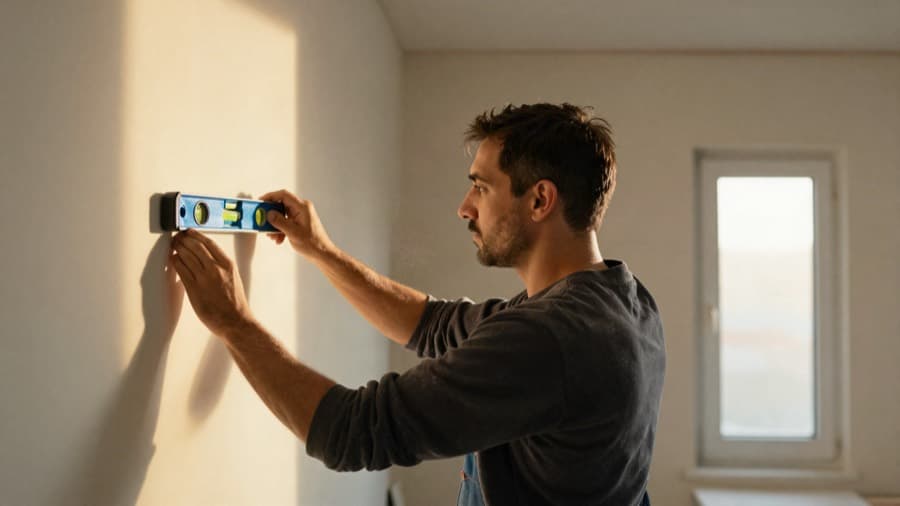
A tradesperson working in a flat under renovation

Turnkey renovation and reinforcement

Kitchen remodel · Bathroom renewal

Free site visit

The businesses and content shown are demo concepts, not customer references.

What should the website solve?

Move the visitor toward a site visit or quote request.

  • 01

    Services and project scope

  • 02

    Project types and process

  • 03

    Site-visit or quote request form

From visitor to you

  1. 01

    Reviews the renovation scope

  2. 02

    Chooses the relevant service

  3. 03

    Submits the site-visit form

Direct inquiry

A submitted site-visit or quote form

Contact intent

A phone or WhatsApp click

Product tour

Signals stay clearly separated

Local demo data
Business brief

A website for Alder & Stone Renovation in Manchester, offering kitchen remodel and bathroom renewal.

Alder & Stone RenovationManchester
Website preview
Alder & Stone RenovationKitchen remodelBathroom renewal
A tradesperson working in a flat under renovation

Turnkey renovation and reinforcement

Kitchen remodel · Bathroom renewal

Free site visit
Direct inquiry
Morgan R.Could I get more information about kitchen remodel?Form submission
WhatsApp clickContact intent
Next step
Review logo and contact details
  1. Draft
  2. Preview
  3. Published
Submitted forms and bookings are direct inquiries. Phone and WhatsApp clicks appear separately as contact intent.

Signals stay clearly separated

Submitted forms and bookings are direct inquiries. Phone and WhatsApp clicks appear separately as contact intent.

What the site should do for you

Clarify project scope before the first conversation.

Visitors understand the work you take on, how projects progress and what information is needed for a useful site-visit request.

How customers reach you in this trade

Clarify project scope before the first conversation.

Form inquiries and bookings are direct inquiries; phone and WhatsApp clicks are a separate contact-intent signal. Below are the fields and flows that work in this trade.

Form fields
  • Project type (kitchen, bathroom, full renovation)
  • Address and floor
  • Approximate square metres
  • Preferred start window
  • Photo upload of the current state
Booking type
Site-visit booking: the customer picks a day and time window for measuring, and the address stays on the form.
WhatsApp and phone
For non-urgent work WhatsApp is usually clicked to send photos; the click appears separately as contact intent and the message body never reaches the dashboard.
One job for the first week
Add before and after photos from two finished jobs, and fill in the site-visit form once from your own phone.

Renovation and project types

Separate residential, office, retail and structural work by scope and project type.

The path a customer takes

The selected project type provides context for the site-visit request.

Project process and responsibilities

Explain inspection, scoping, delivery and handover according to the real working process.

The path a customer takes

Visitors understand the process and responsibilities before requesting a quote.

Completed work

Use real project photography, completed work and verifiable scope details where available.

The path a customer takes

A relevant project example can be referenced in the inquiry brief.

Site-visit and quote request

Collect location, property type, target timing and a short project description in one form.

The path a customer takes

The submitted brief becomes a persistent inquiry; the business prepares the quote separately.

The first 30 days after launch

What to do after your site goes live, split into weeks. Every item is a concrete job on your own screen or in your business, not a promise of results.

  1. Week 1 · Publish and verify
    • Connect the domain and check every page on mobile
    • Test the site-visit form notification email
    • Add the site address to your Google Business Profile
  2. Week 2 · Fill in projects
    • Add before/after photos of the last three projects
    • Write a scope and duration note for each project
    • Add excluded work to service pages
  3. Week 3 · Work the inquiries
    • Reply to site-visit inquiries within one business day
    • Do not mix phone clicks with direct inquiries
    • Add recurring questions to the page as an FAQ
  4. Week 4 · Review
    • Check which page inquiries came from in the dashboard
    • Move the most requested service up on the home page
    • Complete projects that are missing photos

Build your site today.

Describe your business, see the preview, then choose your plan. The preview does not ask for your contact details.