

Business brief
A website for Trattoria Mia in New York, NY, offering tagliatelle and wood-fired pizza.
Industry solutions
A structure that presents the menu and atmosphere visually and makes table reservations easy.
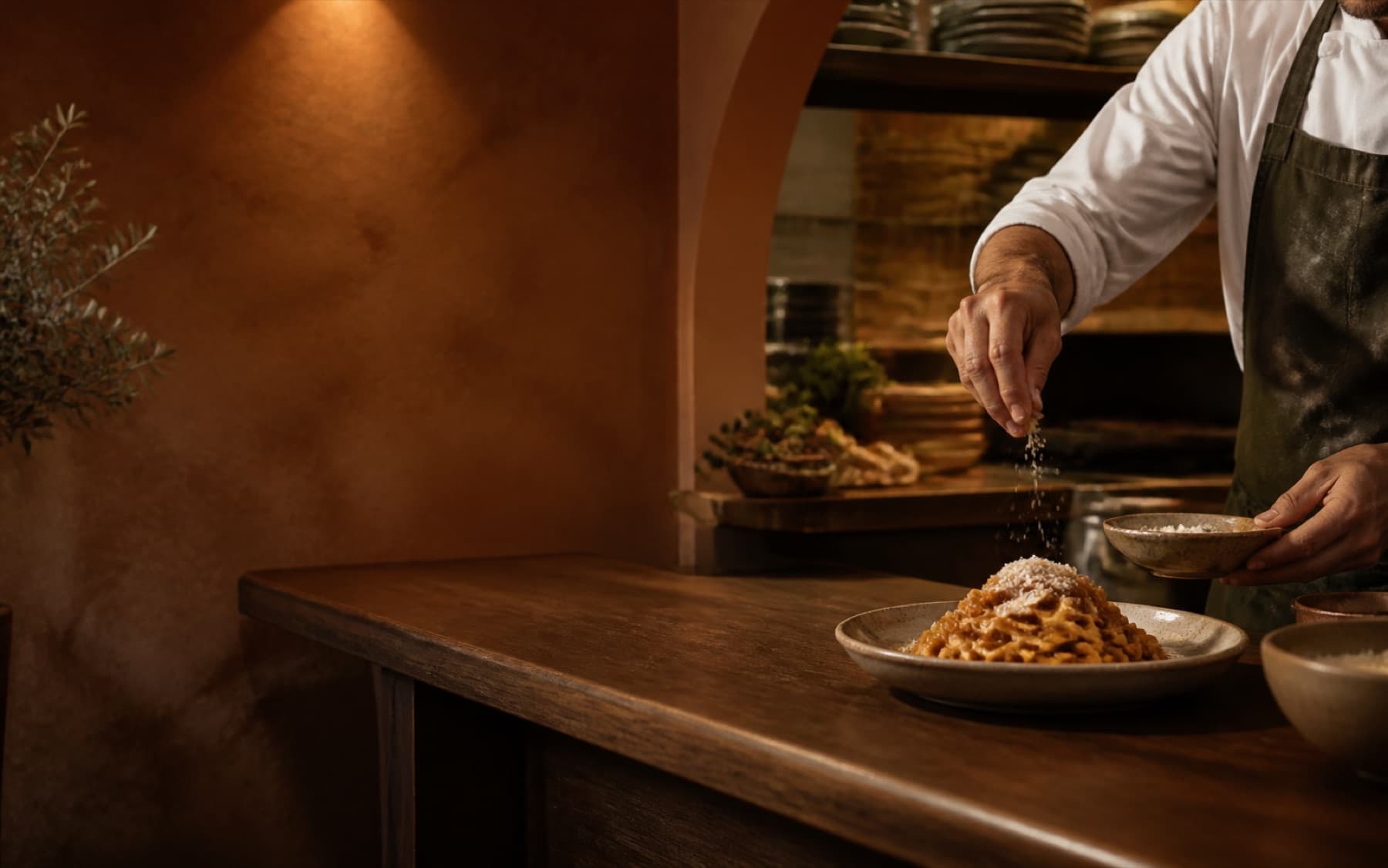
Handmade pasta, real Italian
Tagliatelle · Wood-fired pizza
Reserve a tableThe businesses and content shown are demo concepts, not customer references.
Turn menu interest into a table reservation.
Menu and signature dishes
Venue, location and opening hours
Table reservation request
Explores the menu and atmosphere
Chooses a suitable time
Leaves a reservation request
A submitted reservation request
A phone or directions click
A website for Trattoria Mia in New York, NY, offering tagliatelle and wood-fired pizza.
Handmade pasta, real Italian
Tagliatelle · Wood-fired pizza
Reserve a tableSubmitted forms and bookings are direct inquiries. Phone and WhatsApp clicks appear separately as contact intent.
What the site should do for you
Visitors review the current menu, location and service hours, then submit a request with party size and preferred time.
How customers reach you in this trade
Form inquiries and bookings are direct inquiries; phone and WhatsApp clicks are a separate contact-intent signal. Below are the fields and flows that work in this trade.
Present current items, prices and important ingredient information according to the real menu.
Visitors can assess menu fit before requesting a reservation.
Show real venue photography, access information and service hours in one place.
Practical visit questions are answered before a request is submitted.
Collect date, time, party size and contact details in a short form.
The request is stored; the restaurant confirms the table.
Create a separate brief path for larger groups, celebrations or special menu requests.
Party size and event needs are stored in the same inquiry.
The first 30 days after launch
Describe your business, see the preview, then choose your plan. The preview does not ask for your contact details.